Getting Started Right
Five Mistakes Parents Make When Introducing Kids to Coding
Many parents want their children to learn programming but stumble over the same few obstacles before the first lesson even begins. Knowing what to avoid makes the difference between a child who builds projects confidently and one who closes the laptop frustrated.
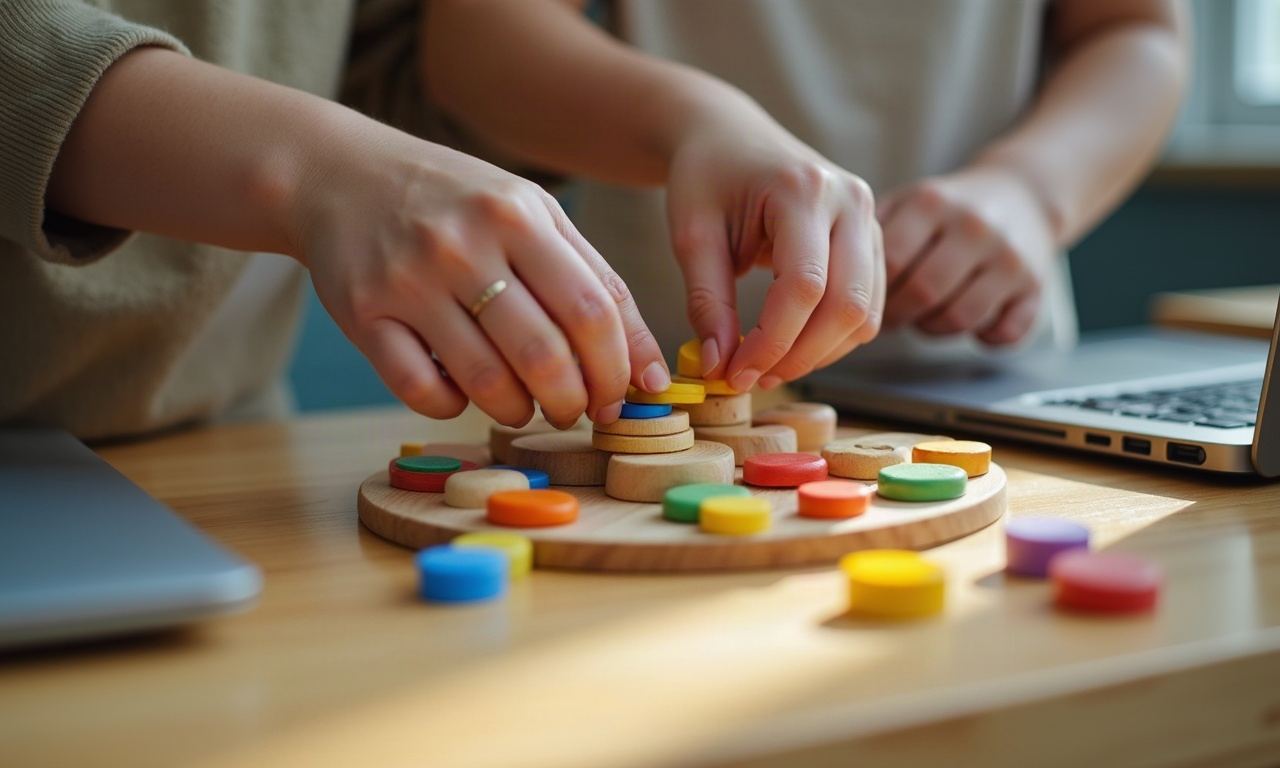
The mistakes parents make rarely involve the code itself. They happen earlier: setting up the wrong expectations, choosing tools too advanced for the child's reading level, or assuming that interest in video games automatically translates into interest in making them. Most of these missteps are easy to sidestep once you know what actually helps a child stay engaged with programming over weeks and months, not just the first afternoon.
Starting with a language instead of a goal
Parents often ask which programming language their child should learn first, as if the syntax were the point. A nine-year-old does not need to compare different text-based languages; they need a reason to write code at all. Start with a project the child wants to see work—a simple game, a drawing tool, an interactive story—and let the language follow from that. Block-based environments let beginners focus on logic and structure without fighting semicolons and typos. Text syntax comes later, when the child already understands what a loop does and why variables matter.
Expecting linear progress every week
Programming skills do not improve in a straight line. A child might breeze through the first three sessions, then spend two weeks stuck on one concept, then suddenly understand loops, conditionals, and functions all at once. Parents who check in after every session and expect visible new output each time often create pressure that turns practice into a chore. Progress in coding looks more like building vocabulary in a foreign language: weeks of small pieces, then a sudden leap in fluency. Trust the process and watch for understanding, not just finished projects.
Treating it like homework instead of making
When coding becomes another assignment on the list between math worksheets and spelling practice, children approach it with the same reluctance. Programming is closer to building with blocks or drawing than to memorizing facts, and it thrives when treated that way. Let your child choose some of their own project ideas within the skills they are learning. If they want to make a quiz about dinosaurs or a timer for their younger sibling's screen time, that motivation will carry them through obstacles that a generic exercise would not. Meaningful coding practice happens when the child forgets they are practicing.
Jumping in without the right setup
Technical friction kills momentum. A child ready to start their first project does not need to spend twenty minutes hunting for a charger, figuring out why the microphone is muted, or discovering that the browser version is too old to run the coding platform. Test everything the day before: internet speed, webcam, microphone, and the specific site or tool the course will use. Create a dedicated folder for project files so nothing gets lost in the downloads folder. A smooth technical start lets the child focus on learning instead of troubleshooting, and it signals that this activity matters.
Comparing progress to other kids
Every child builds coding skills at their own pace, shaped by reading level, prior experience with logical puzzles, comfort with trial and error, and a dozen other variables that have nothing to do with innate talent. Telling a ten-year-old that their classmate already finished the next unit or built a more complex project does not inspire effort; it creates anxiety and the fear of looking slow. Measure progress against where your own child started, not against other students. The goal is not to become the fastest coder in the group; the goal is to become someone who can think through a problem, test ideas, and build something that works.
Before the first session
- Test internet, webcam, and microphone with the video platform you will use
- Create a dedicated folder on the desktop for course files and projects
- Confirm your child can log in to any tools or practice sites on their own
- Set up a quiet space with a table, not a couch or bed, for the session
- Ask your child what they hope to build, even if the answer is vague
- Remind yourself that confusion is part of learning, not a sign of failure
Most mistakes parents make come from good intentions: wanting the child to succeed, to keep up, to make the investment worthwhile. The irony is that the less you manage the details and the more you let the child experiment, fail, and try again, the more likely they are to stick with it. Plenusfocus structures the lessons so that progress happens even when it does not feel linear, and the small group format means the instructor can adapt to where each child actually is, not where a curriculum map says they should be. If you are ready to enroll or want to see how a session works, start with the free trial session—write through the contact form and you will hear back within two business days.
Ready to enroll or have questions about the course?
Write through the contact form to ask about start dates, try the free introductory session, or discuss school partnership options. We reply within two business days.